
The old saying goes, you can always count on death and taxes.
The other thing that can be counted on is change!
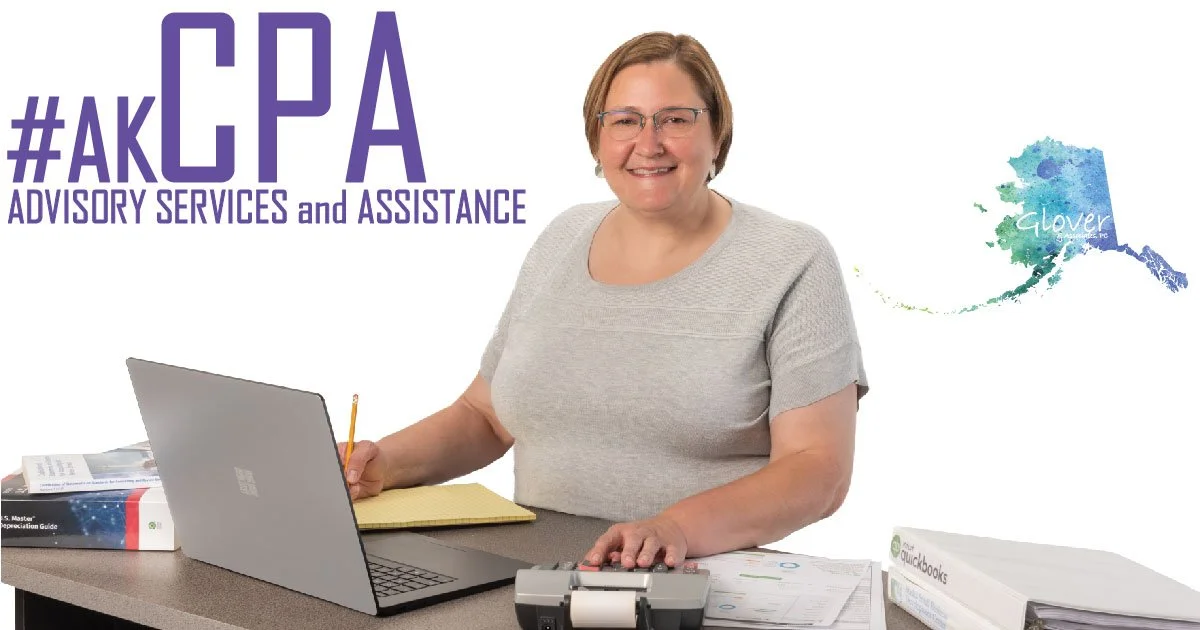
As technology and cyber crime advance focus on secure document exchange is a high priority - see our link below for Tips on how to scan documents.
Download apps BELOW to use the ShareFile from your mobile device:
-
We’re available by phone, email or Zoom meeting Mon.-Thurs. from 9am to 5pm.
-
Appointments can be scheduled as needed, there is a one-hour minimum. We have a conference room OR we can visit you at your business.
-
3705 Arctic Blvd #1033
Anchorage AK 99503
*You can personally drop off files here too! -
All you need to do is scan your documents and save them as a PDF then upload OR DRAG and DROP!
By sending a PDF you will help ensure we are productive and save time (money) when working on your file.
Not sure how to scan? Here are some apps and tips. (click)
IPhone users: TurboScan App Android users: TurboScan App
With the TurboScan App, you will email to yourself and then save. From there, click on Upload Files (below in purple), log-in and add your saved files (DRAG and DROP or click Browse files).